
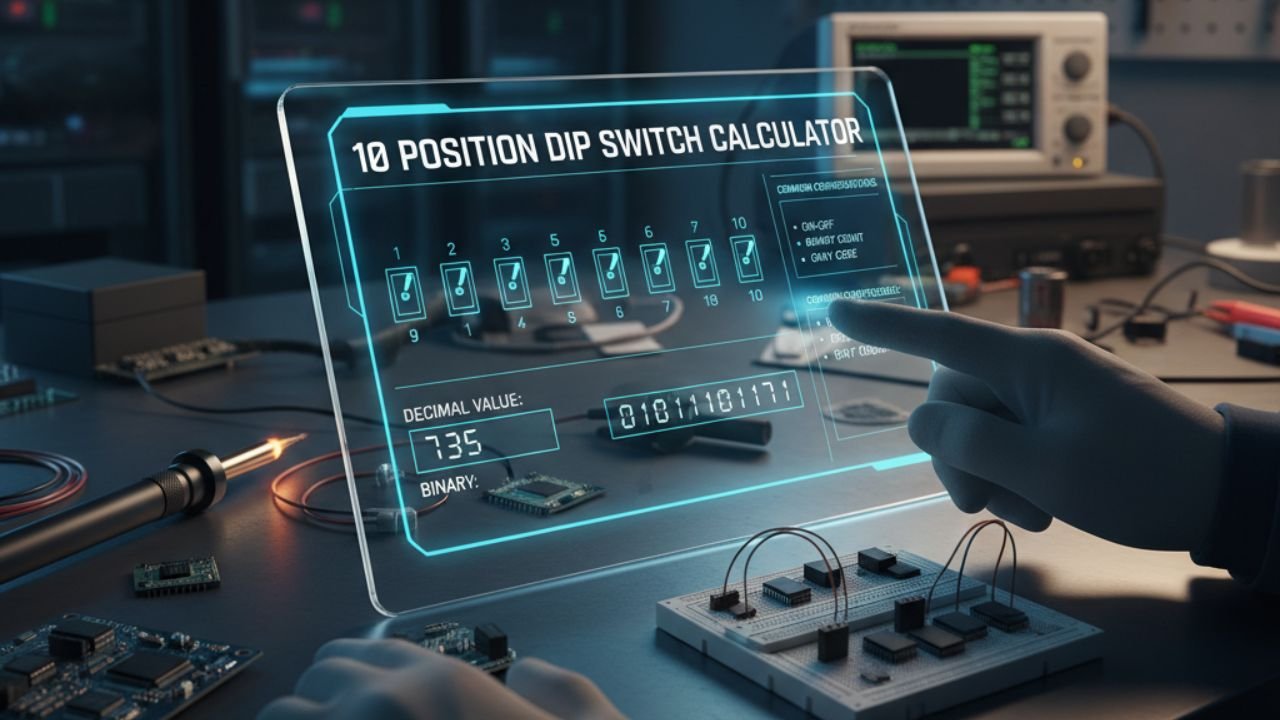
10 Position DIP Switch Calculator
Enter a decimal value from 0 to 1023 to calculate the matching 10-position DIP switch configuration. You can also click the switches manually to calculate the decimal value.
Click any visual switch below to manually toggle it ON or OFF.
How to Use the 10 Position DIP Switch Calculator
Enter a decimal value between 0 and 1023 and click Calculate. The calculator converts the number into a 10-bit binary value and shows which DIP switches should be ON.
You can also use the calculator in reverse. Click the visual switches to match a physical DIP switch block, and the decimal, binary, and hexadecimal results will update automatically.
10 Position DIP Switch Binary Values
A 10-position binary DIP switch can represent 1,024 different combinations. The decimal range is 0 through 1023.
| Switch | Binary Weight | Power of 2 | Position |
|---|---|---|---|
| SW1 | 1 | 2⁰ | LSB |
| SW2 | 2 | 2¹ | Bit 1 |
| SW3 | 4 | 2² | Bit 2 |
| SW4 | 8 | 2³ | Bit 3 |
| SW5 | 16 | 2⁴ | Bit 4 |
| SW6 | 32 | 2⁵ | Bit 5 |
| SW7 | 64 | 2⁶ | Bit 6 |
| SW8 | 128 | 2⁷ | Bit 7 |
| SW9 | 256 | 2⁸ | Bit 8 |
| SW10 | 512 | 2⁹ | MSB |
Example: Decimal 685
Suppose you need to configure decimal value 685.
512 + 128 + 32 + 8 + 4 + 1 = 685
The corresponding switches are:
SW10 + SW8 + SW6 + SW4 + SW3 + SW1
The 10-bit binary representation is: 1010101101.
Why Does a 10 Position DIP Switch Go Up to 1023?
Each DIP switch represents one binary bit. Ten binary bits create 2¹⁰ = 1,024 possible combinations.
Because binary counting starts at zero, those 1,024 combinations represent decimal values from 0 through 1023.
The highest possible value occurs when all ten switches are ON:
1 + 2 + 4 + 8 + 16 + 32 + 64 + 128 + 256 + 512 = 1023
Common Uses for 10 Position DIP Switches
Ten-position DIP switch banks may be used for hardware addressing, communication settings, operating modes, control-panel settings, industrial equipment, alarm systems, lighting equipment, and other embedded electronics.
However, not every device uses all ten switches as binary address bits. A manufacturer may reserve one or more switches for operating modes, termination, communication speed, or another function.
Frequently Asked Questions
What is a 10-position DIP switch?
A 10-position DIP switch is a switch bank containing ten individual ON/OFF switches. The switches may be used for binary addressing, operating modes, hardware configuration, or other device settings.
What is the maximum value of a 10-position DIP switch?
When all ten switches are used as binary bits, the maximum decimal value is 1023.
How many combinations can 10 DIP switches create?
Ten binary switches create 1,024 possible combinations because 2 raised to the power of 10 equals 1,024.
Why does the range stop at 1023?
There are 1,024 combinations, but the first combination represents zero. Therefore, the decimal range is 0 through 1023.
What value does SW1 represent?
In the LSB-first configuration used by this calculator, SW1 represents the smallest binary weight, which is 1.
What value does SW10 represent?
In this calculator, SW10 is the most significant bit and represents a binary weight of 512.
How do I calculate a 10-position DIP switch address manually?
Add together the binary weights of every switch that is ON. For example, 512 + 128 + 32 + 8 + 4 + 1 equals decimal 685.
Can I calculate decimal from physical switch positions?
Yes. Click the visual switches in this calculator to match the positions on your hardware. The decimal result updates automatically.
Are all 10 switches always used for addressing?
No. Some equipment uses one or more switches for special operating modes, communication settings, or other functions instead of binary addressing.
Should I verify the switch configuration with the manual?
Yes. Manufacturer-specific numbering, ON/OFF orientation, switch functions, and valid address ranges can differ. Always verify the final setting with the official documentation for the equipment.