
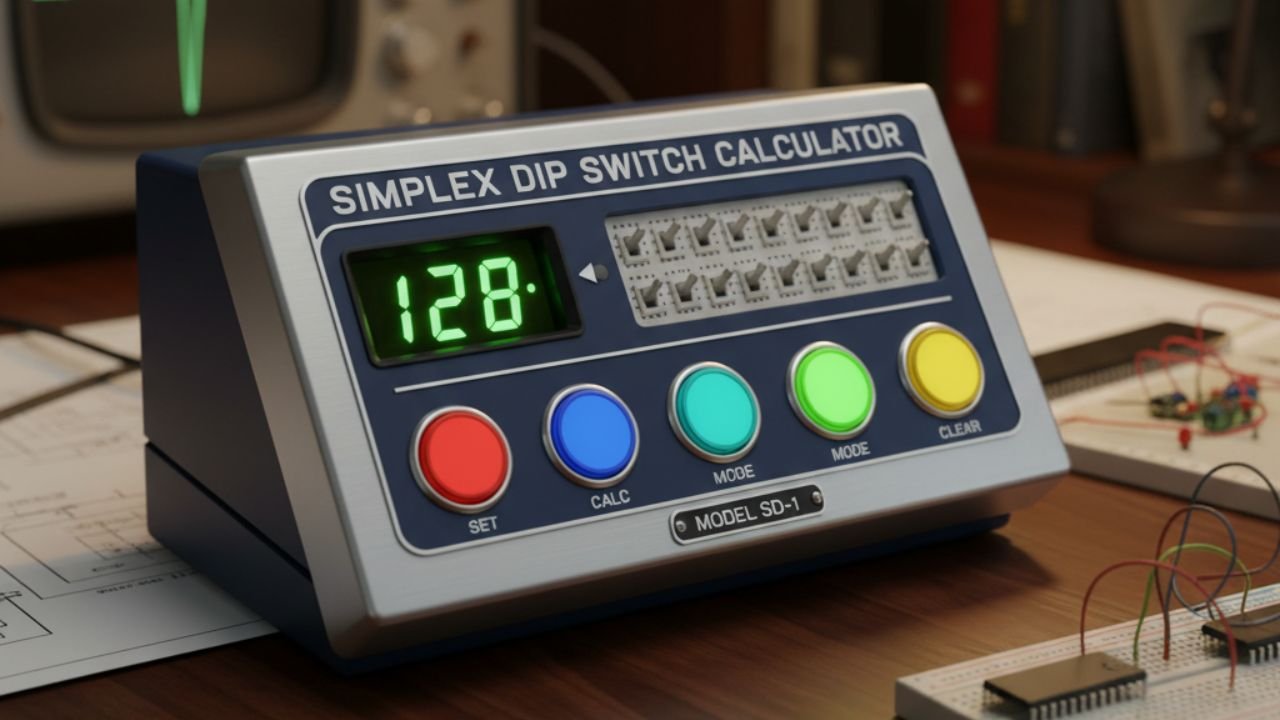
Simplex DIP Switch Calculator
Fire Alarm AddressingSet the DIP switches to match the required device address (1-250).
Simplex Addressing FAQs
Most Simplex addressable loops (IDNet) support addresses from **1 to 250**. While an 8-position switch can technically reach 255, the panel will typically only recognize up to 250.
On most Simplex detectors and modules, the **”ON”** position is usually indicated by sliding the switch **UP** toward the word “ON” or the number “1”.
This often happens if the DIP switch address set on the device does not match the address programmed in the Fire Alarm Control Unit (FACU) or if two devices share the same address.
Yes. Many Simplex addressable devices only read the DIP switch position during the initial power-up sequence. It is best practice to restart the device after changing its address.
Simplex uses standard binary weighting: Switch 1=1, 2=2, 3=4, 4=8, 5=16, 6=32, 7=64, and 8=128. The address is the sum of all “ON” switches.
Simplex DIP Switch Calculator: Set Fire Alarm Addresses Instantly in 2026
Hey there! If you’re a fire alarm technician, contractor, or facilities manager working with Simplex systems from Johnson Controls, you know those little DIP switches on detectors, pull stations, and notification appliances are critical. One wrong setting can throw off the entire addressable loop.
That’s where a Simplex DIP switch calculator becomes your best friend on the job. These free online tools turn any decimal address into the exact ON/OFF pattern for your Simplex hardware in seconds, keeping life-safety systems reliable and code-compliant.
We’ll walk through everything in plain English so you can master your Simplex DIP switch calculator like a seasoned pro. Whether you’re bench-testing 4098 detectors or commissioning a large commercial building, you’ll leave here with clear steps, pro tips, and total confidence. Let’s make sure those addresses are spot-on every single time.
How Does a Simplex DIP Switch Calculator Work?
Picture this: you’re on site with a handful of 4098 smoke detectors and need them addressed at 142 on the IDNet loop. Instead of pulling out a binary chart or counting powers of two by hand, you open a Simplex DIP switch calculator, type in the address, and watch eight virtual switches light up exactly where they need to be. That’s the simple power these tools deliver.
Simplex addressable devices typically use an 8-position DIP switch block. Each switch represents a power of two, from 1 on the right (least significant bit) to 128 on the left (most significant bit). ON usually equals 1, OFF equals 0. The calculator handles the binary conversion instantly and shows the perfect match for your hardware. Most tools follow the industry standard: left-to-right from MSB to LSB, and they let you flip the ON direction if your switches read upside down.
Now, let’s dive into what actually shapes those switch settings before we jump into the steps.
Key Factors That Influence Your Simplex DIP Switch Settings
Not every Simplex device behaves exactly the same, so a good calculator lets you tweak a few details. Getting these right keeps your fire alarm system talking perfectly to the panel.
- Bit count and device type: Most 4098 detectors and TrueAlert ES appliances use 8 positions (0-255 addresses). Some sounder bases add a 9th switch for supervision or power selection.
- MSB vs LSB orientation: Industry standard puts the highest value (128) on the left. Always confirm with the specific device cut sheet.
- ON position logic: “Up” equals ON for most Simplex gear, but some older panels run it the opposite way. The calculator lets you reverse the visual.
- Address offset or loop rules: Simplex panels often start device addressing at 1 or have loop-specific rules. Quality calculators let you add an offset automatically.
- Application type: Perfect for IDNet/IDNAC loops, input modules, and notification appliances where unique addressing prevents crosstalk.
Pro tip: Snap a quick photo of your physical switches before programming. It makes matching the calculator output foolproof during final verification.
Why Simplex DIP Switches Matter for Life Safety in 2026
In today’s fire alarm world, addressable systems like Simplex are the gold standard because they pinpoint exactly which device activated. But that precision only works if the DIP switches are set correctly. A Simplex DIP switch calculator removes human error from the equation, which is huge when NFPA 72 and local AHJs demand flawless programming.
Here’s a quick comparison table for common setups:
| Switch Count | Max Address | Best For | Typical Simplex Device Example |
|---|---|---|---|
| 8-position | 255 | Standard addressable loops | 4098 detectors, pull stations |
| 9-position | 511 | Sounder bases & special modules | 4098-9795 multi-sensor bases |
| 10-position | 1023 | Larger or custom systems | Advanced IDNet expansions |
Eight positions cover the vast majority of Simplex jobs, making the calculator a daily essential for techs in the field.
Step-by-Step: Using a Simplex DIP Switch Calculator Like a Boss
Ready to try one? Most Simplex DIP switch calculator tools are dead simple and take under 30 seconds. Here’s exactly how it flows:
- Find a reliable calculator – Search for “Simplex DIP switch calculator” or head to trusted fire alarm resources.
- Select your bit count – Lock it in at 8 positions for standard Simplex devices (or 9 if it’s a sounder base).
- Enter your target address – Type the decimal number from the panel programmer, like 142 or 255.
- Set the switch logic – Choose MSB left or right, and pick whether ON is up or down to match your hardware.
- Review the pattern – The calculator shows a clear row of switches. Highlighted means ON, plain means OFF.
- Copy to your gear – Flip the physical switches to match, then test the device on the loop before moving on.
Many calculators also work backward: click the switches yourself and watch the address update. Great for verifying an already-installed device during troubleshooting.
Manual Calculation for Simplex DIP Switches (No Calculator Needed)
Online tools rock, but sometimes you need to do it by hand on the bench with no signal. Here’s the quick binary method Simplex techs swear by:
Powers for 8 positions (left to right):
128 | 64 | 32 | 16 | 8 | 4 | 2 | 1
Start with your target number and subtract the largest power that fits.
Example for address 142:
142 – 128 = 14 (switch 1 ON)
14 – 64 is too big, switch 2 OFF
14 – 32 is too big, switch 3 OFF
14 – 16 is too big, switch 4 OFF
14 – 8 = 6 (switch 5 ON)
6 – 4 = 2 (switch 6 ON)
2 – 2 = 0 (switch 7 ON)
switch 8 OFF
Result: Switches 1, 5, 6, and 7 ON. Everything else OFF. Practice a few times and it becomes second nature.
Simplex DIP Switch Calculator vs. Apps: Which Fits Your Workflow Best?
Folks often ask whether a website beats a phone app. Both work great. Web calculators load fast on any tablet and need no install. Dedicated 2026 apps shine when you’re offline in a basement or on a roof with spotty Wi-Fi. Many let you save common Simplex device presets.
The smart move? Bookmark your favorite web Simplex DIP switch calculator for planning, then use the app on-site for quick checks. Together they make commissioning bulletproof.
Smart Ways to Speed Up Setup and Avoid Costly Simplex DIP Switch Mistakes
Don’t let one wrong flip delay an entire inspection. Try these battle-tested tips:
- Always verify MSB/LSB and ON direction in the device cut sheet first.
- Bench-test the first device at a low address (like 1) before field installation.
- Use a label maker to note the address right on the base.
- Keep a printed 8-position binary chart in your toolkit as backup.
- Pre-calculate addresses in a spreadsheet linked to your calculator for large projects.
One senior technician I chatted with cut his programming time by 70% after building a simple checklist around the Simplex DIP switch calculator. Small habits like that pay off huge on tight deadlines.
Why Mastering a Simplex DIP Switch Calculator Pays Off Big in 2026
Beyond the instant answers, these tools cut frustration, prevent nuisance alarms, and help you meet strict NFPA timelines. In an era of smarter buildings and tighter budgets, reliable fire alarm addressing is non-negotiable. A Simplex DIP switch calculator gives you that reliability without the hassle.
Think about it: instead of second-guessing or wasting time on manual math, you get clear visuals and total confidence. Whether you’re commissioning a school, hospital, or high-rise, the right settings keep everyone safe.
For official Simplex documentation, check Johnson Controls resources or your local fire alarm supplier.
FAQs About Simplex DIP Switch Calculator
What is the most common switch count on Simplex devices?
Eight positions cover the majority of 4098 detectors, pull stations, and notification appliances, giving you addresses 0-255. Some sounder bases use nine for extra functions.
Do I need to understand binary to use a Simplex DIP switch calculator?
Not even a little. The tool handles all the math. You simply enter the address and copy the switch pattern. Learning the basics helps only for those rare offline moments.
How accurate is a Simplex DIP switch calculator?
Extremely accurate when you match the orientation and ON logic to your specific device. Always test the first device live on the loop to confirm, but the calculator itself is rock-solid.
In the end, a Simplex DIP switch calculator takes the mystery out of fire alarm addressing. It hands you fast, reliable settings so you can focus on the critical work of protecting lives and property. Your next Simplex installation will go smoother than ever.
Disclaimer: This blog post is for informational and educational purposes only. It is not a substitute for professional fire alarm or technical advice. DIP switch settings depend on specific Simplex device manuals, panel programming, and local fire codes, and you should consult the manufacturer’s documentation or a qualified fire protection technician for critical applications. Always verify NFPA 72 requirements and equipment instructions directly.