
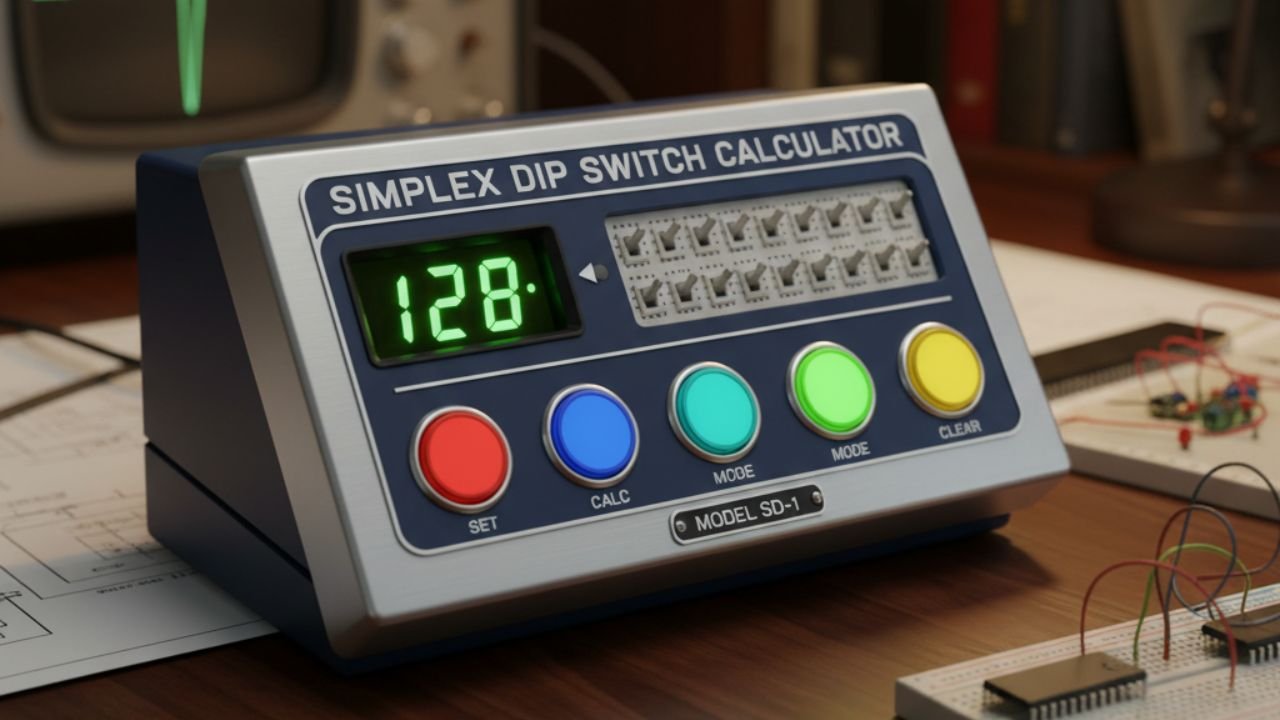
This calculator follows the address encoding documented for the Simplex TrueAlert ES addressable ceiling-mount visual indoor appliance, installation document 05791227, Revision F. It is not a universal address calculator for every Simplex product.
For this documented appliance, switches 1–7 encode the address. Switch 8 selects ALARM or ALERT operation and does not add 128 to the address. Check your exact model and panel configuration before using the result.
Switches 1–7 add the values printed below them. Switch 8 changes the selected appliance type. Selecting a narrower panel range resets an out-of-range address to 1.
Address weights and function switch
| Switch | Meaning |
|---|---|
| SW1 | Address weight 1 |
| SW2 | Address weight 2 |
| SW3 | Address weight 4 |
| SW4 | Address weight 8 |
| SW5 | Address weight 16 |
| SW6 | Address weight 32 |
| SW7 | Address weight 64 |
| SW8 | OFF = ALARM; ON = ALERT |
Worked example: address 37
37 = 32 + 4 + 1. Turn ON address switches SW6, SW3, and SW1. The seven-bit address value is 0100101; in SW1-first order it is 1010010.
Set switch 8 separately according to the appliance type specified in the fire alarm control panel configuration. Changing switch 8 does not change the address total.
Address capacity is not appliance loading capacity
The referenced instructions provide up to 127 unique addresses on an SLC, but the available appliance loading may be lower because of current requirements. The legacy panel models listed above use addresses 1–63. This calculator does not size circuits or determine the permitted appliance load.
Verify the exact equipment
- Match the appliance model and instruction revision.
- Confirm the assigned address and appliance type in the panel documentation.
- Locate the switch numbers and ON mark on the appliance.
- Follow the manufacturer’s approved procedure for setting and confirming the address.
Other Simplex products can use different switch banks, address ranges, or function settings. For a general mathematical conversion, use the eight-position binary calculator; its 0–255 capacity is separate from this appliance’s address encoding.
Manufacturer source
Simplex / Johnson Controls: Setting the address DIP switch, document 05791227, Revision F. The address diagram provides the seven address weights; the instructions explain switch 8 and panel-dependent limits.